Skip to content

Actuarial Solutions Ltd

Software solutions for actuaries

  • Home
  • Products
  • Services
  • About Us
    • Our Company
    • Our People
  • Contact
Actuarial Solutions Ltd

Act-fx : Screenshots

Next> Act-fx : Download current version

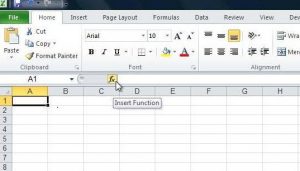
To enter a function into an Excel spreadsheet:

1. Click on the fx button:
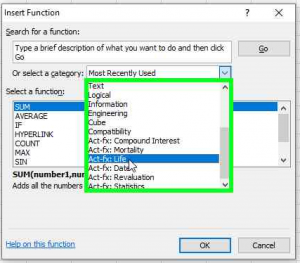
2. Select the function category required:
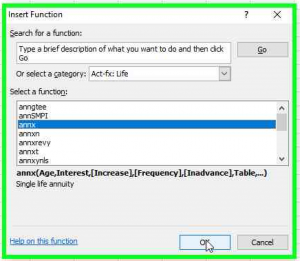
3. Select the function required:
4. Enter parameters:
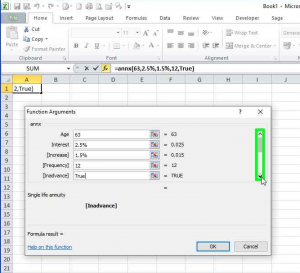
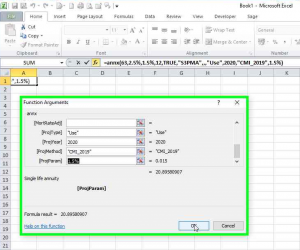
5. Click OK:

Next> Act-fx : Download current version

© 2009-25 Actuarial Solutions Limited. All rights reserved

Main menu

  • Home
  • Products
  • Services
  • About us
    • Our Company
    • Our People
  • Contact

Act-fx menu

  • Act-fx – the Actuarial Toolkit for Excel
  • Introduction
  • Summary of functions
  • Screenshots
  • Download current version
  • Trial licence request
  • Download previous version
  • Version history
  • Frequently Asked Questions
  • Pricing and licence terms
  • Privacy policy

Twitter

For latest product news, updates and discussion from Actuarial Solutions Ltd, follow us on Twitter.

Follow @ActuarialSolns
SiteLock
  • Home
  • Products
  • Services
  • About Us
    • Our Company
    • Our People
  • Contact
